CryptoHorrific
HackTheBox Challenge Writeup
CryptoHorrific, offers a distinctive blend of mobile security and cryptographic problem-solving. In this blog post, I’ll share a detailed walkthrough of my approach to tackling the challenge, leveraging reverse engineering and applied cryptography to arrive at the solution.

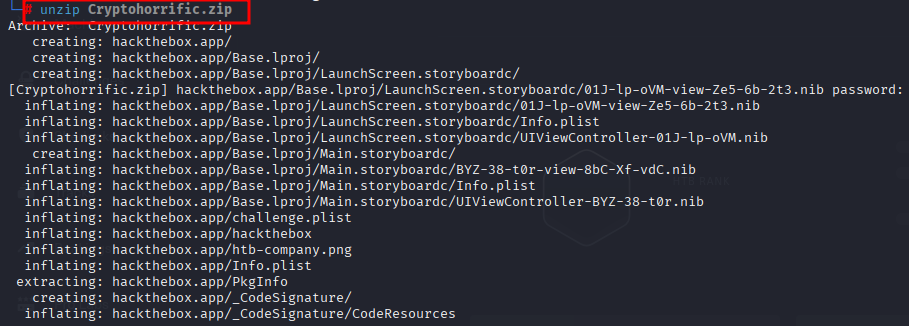
Step 1: unzipping cryptohorrific.zip
I have downloaded the files already from HTB and unzipping those here
Step 2: contents of zip file
Let us check what are the contents of the zip file
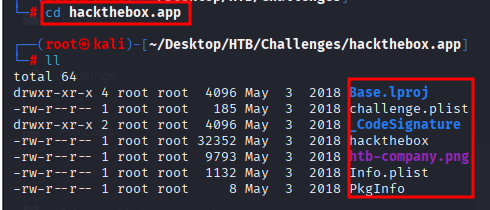
And we can see there are some contents og .plist and pkginfo file along with hackthebox file
Step 3: Lets check whats inside the challenge.plist
I used strings command to read unreadable files as Property list containing encrypted data and we can get juicy content here

In this step I tried to read almost all the files from the folder. Out of all the files “challenge.plist” file drew my attention on a string which look a like encrypted text.
Step 4: Ghidra Tools is really powerfull
Here I used Ghidra to decompile
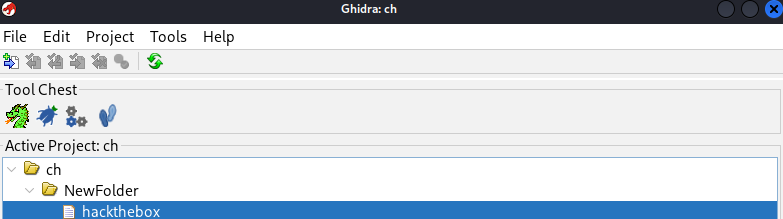
On checking folder the file named “hackthebox” was .app so tried to open it with ghidra
Step 5: Decompiling hacthebox.app
On looking at the files and structure of app Ifound “SecretManager:key:iv” written in decompiled files
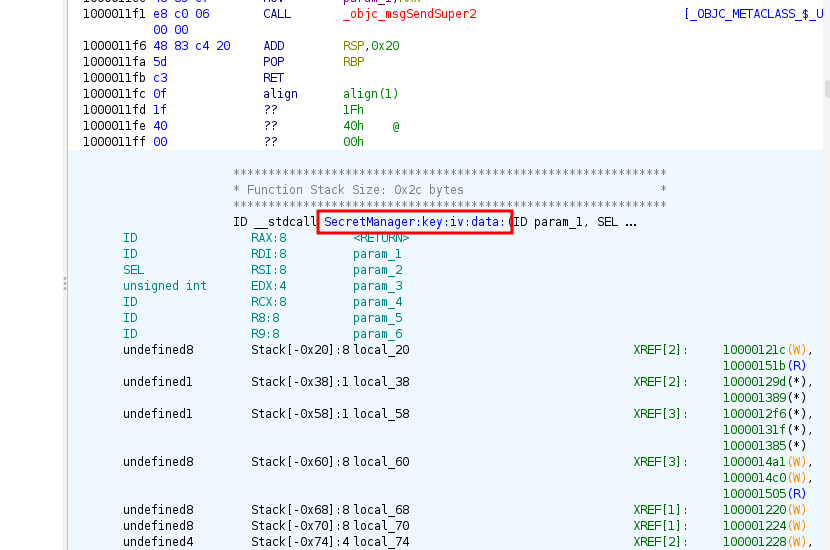
Step 6: Searching for SecretManager:key:iv
In ghidra there is an option to search in Decompiled text and on searching SecretManager:key:iv I got three matches
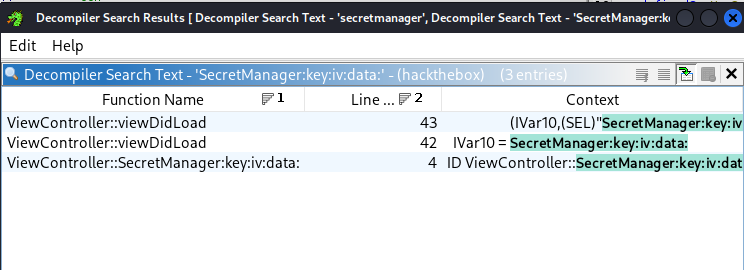
Step 7: Secret KEY & IV parameter
Finally on searching “SecretManager:key:iv” got two sensitive information as KEY & IV parameter which might work on encrypted text we got earlier from challenge.plist
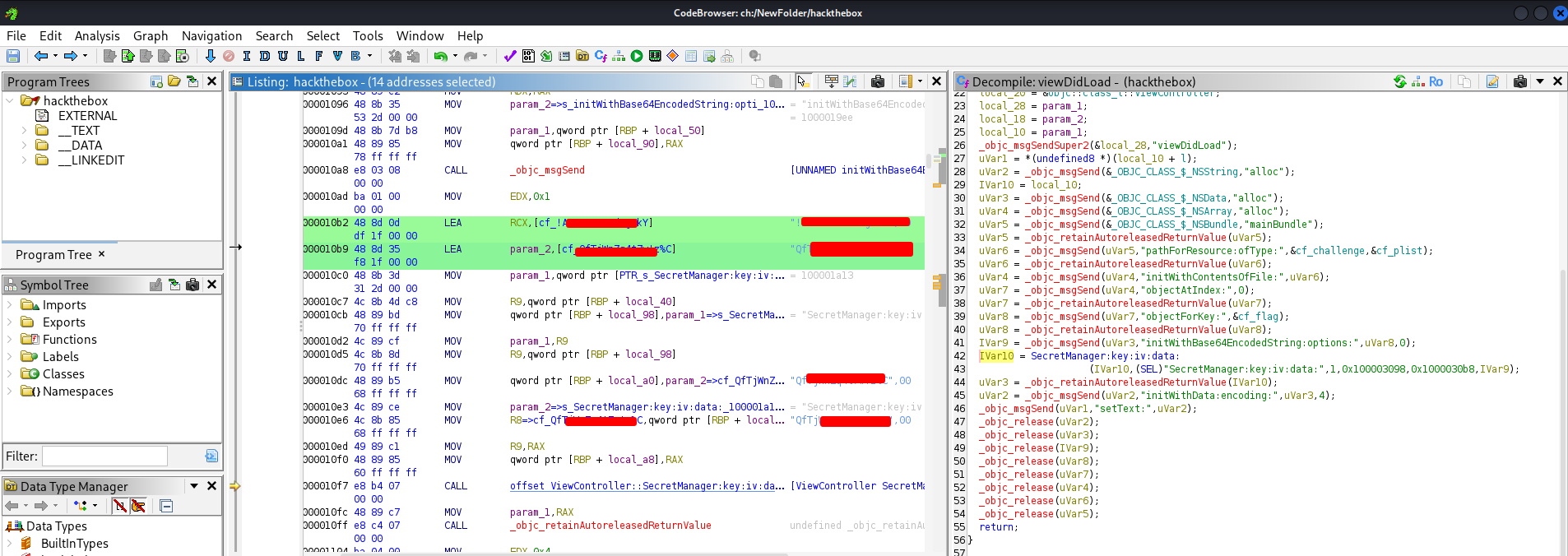
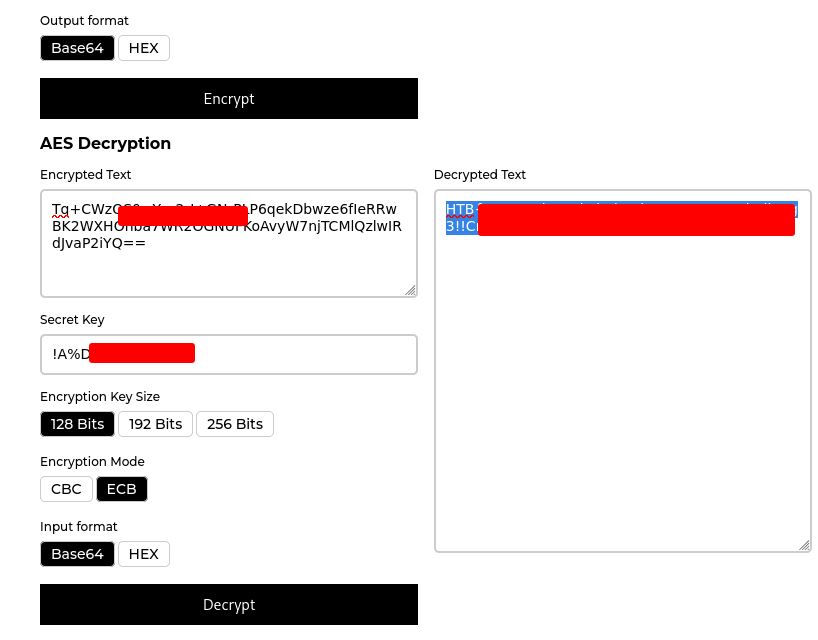
Step 8: decrypting the text
On decrypting the text using secret key obtained from hackthebox.app, got decrypted text and which was flag